
Store management
How to choose a POS for a small retail business
A practical checklist for evaluating a POS system, including checkout reliability, inventory management, branch support, staff access, reporting and customer support.
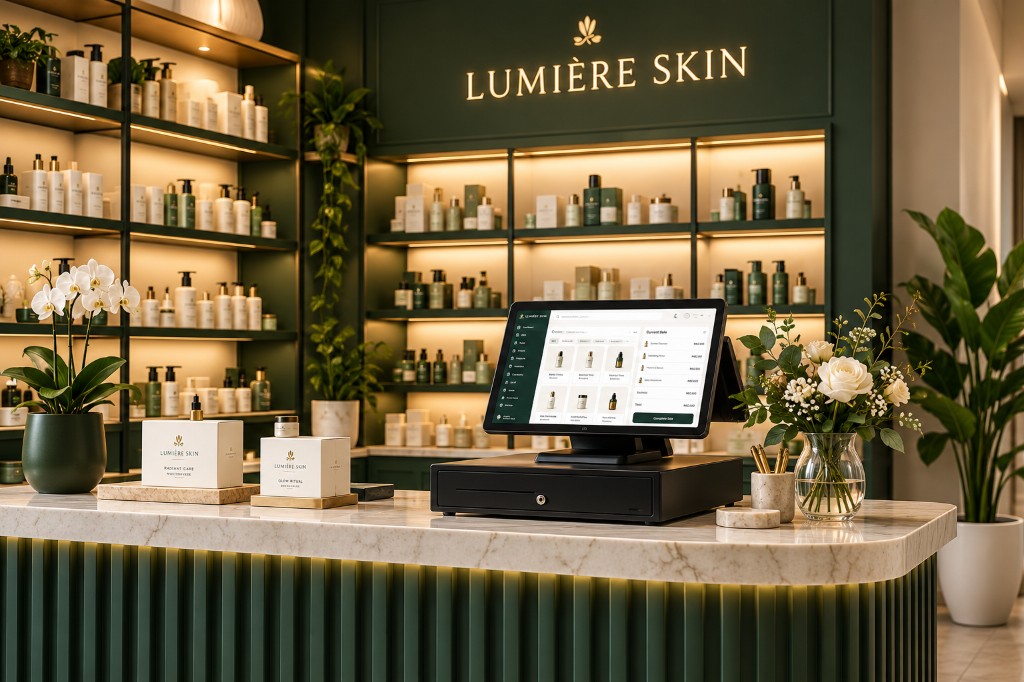
Article
Small retailers do not need every feature on the market. They need a system that rings sales reliably, keeps stock honest, and stays understandable for the people who use it daily.
Must-haves
- Fast, reliable checkout with barcode or search lookup
- Inventory that updates with sales and receiving
- Staff permissions that match real roles
- Sales history you can trust for disputes
- Reports you will actually open
Nice-to-haves that still matter
- Multi-branch stock and transfers if you have more than one location
- Purchase receiving tied to supplier orders
- Online catalogue if you sell beyond the counter
Questions to ask any vendor
- How does stock update when we sell, receive, transfer, and count?
- Can we restrict who voids sales or edits prices?
- How do we get help when something breaks on a busy day?
- What is included versus quoted separately?
Run a short pilot with real products and a real busy hour. A polished demo is useful; a stressed Saturday is decisive.
Keep reading
Related resources
POS and retail operations · 1 Mar 2026
What is a POS system and how does it work?
Understand what a point-of-sale system does, the information it records, how it connects with inventory and what to look for when choosing a modern POS solution for your business.
Read articleInventory management · 5 Mar 2026
How to manage inventory for a retail business
A practical framework for keeping retail stock accurate: catalogue structure, on-hand counts, receiving, and routine checks.
Read articlePOS and retail operations · 2 Mar 2026
Getting started with a POS workflow
A practical walkthrough of setting up a retail POS workflow, from organising your product catalogue and stock to configuring staff access and processing your first sales.
Read guide
Next step
Ready to run retail operations in one place?
Explore Vendriz, review pricing by enquiry, or contact the team with your questions.